
Write the premise and choose the cast
Start with a story outline, novel scene, or compact manga idea. Create characters or bring reusable characters into the story.
AI Manga Generator
Turn your story into manga-style panels without drawing. StarVeil AI combines your premise, selected cast, and visual direction to render the opening story beat first. Continue only after you can see the characters, mood, camera choices, and pacing on the page.
Try the AI manga maker
Describe one scene with a clear character goal or surprise. Your idea carries into the series editor, where you can choose the cast and manga style.
The StarVeil promise
Create or choose a reusable cast, place those characters into short comics, remixes, or serial stories, and keep their identity across panels and episodes.
An AI manga generator turns story text into a visual comic sequence. StarVeil AI creates manga-style artwork with reusable character references, dialogue, and vertical-strip assembly. Short Comic produces a complete compact story; Series mode begins with the opening visual beat and grows one directed beat at a time.
Start with a story outline, novel scene, or compact manga idea. Create characters or bring reusable characters into the story.
The AI directs and renders the first visual sequence with manga-style composition, dialogue, camera choices, and character references.
Review what is actually on the page, regenerate weak visuals, adjust dialogue, and continue the next beat until the vertical episode is ready to export.
Move from premise and cast to generated panels, dialogue, continued story beats, and vertical export without rebuilding the project in separate tools.
The Character Library saves visual anchors for recurring cast members. Protagonists, allies, and antagonists stay recognizable across panels and episodes.
See the opening beat early, judge the real artwork and pacing, then adjust weak results and direct what should happen next.
Japanese manga, manhwa, manhua, western comics, ink wash, realistic, and more — switch styles per work or per episode.
Manga-style comic examples
A strong manga-style strip needs recognizable characters, changing expressions, and a clear visual turn—not repeated portraits.
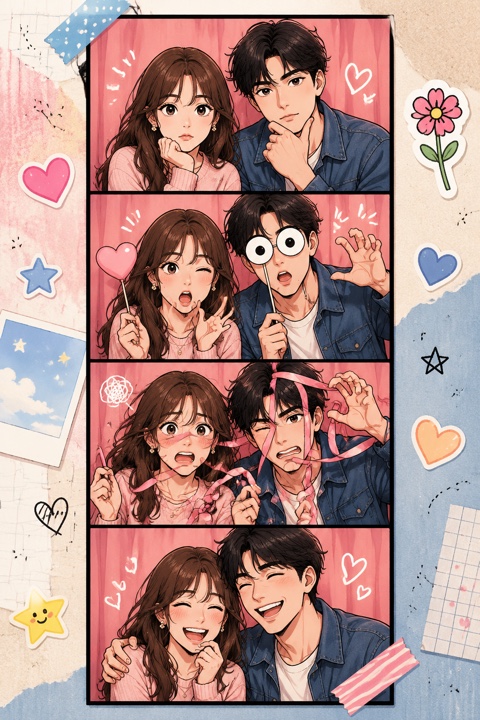
The cast stays recognizable while poses and emotions change from panel to panel.
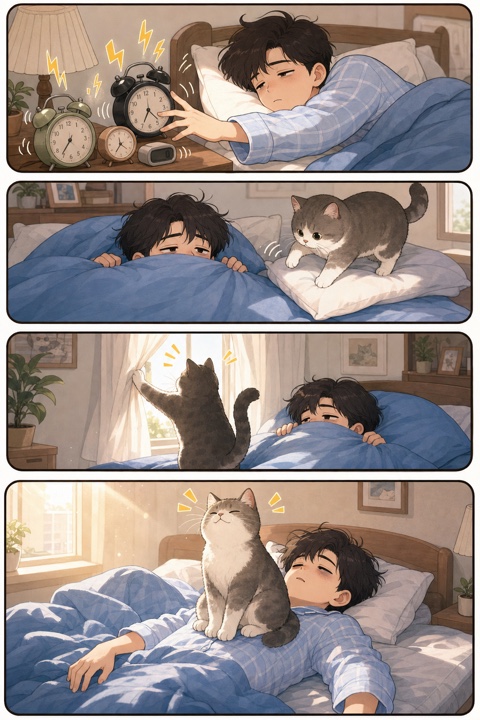
A simple premise becomes a readable setup, action, reaction, and ending.
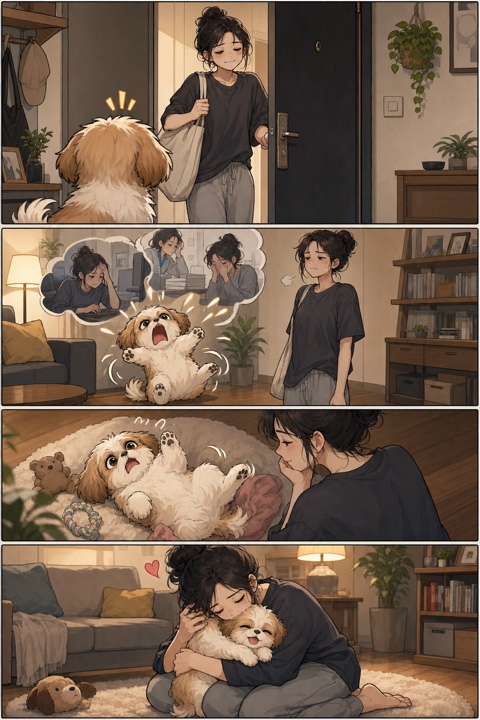
The same people, pet, and setting remain coherent through the emotional beat.
The system interprets your premise, characters, dialogue, and emotional turn, then directs a visual beat with appropriate shots and panel rhythm. Image generation uses character references and the selected art direction. The result is assembled as a readable strip; in Series mode, that first beat becomes the visual context for the next continuation.
Traditional manga often uses black-and-white page spreads and right-to-left reading. StarVeil AI focuses on manga-inspired visual styles inside a vertical comic workflow that is easy to read and export on the web. If you need print-ready page imposition, complete that final publishing step in a dedicated layout tool.
The hardest part of AI manga creation is keeping characters looking the same across panels. StarVeil AI uses a Character Library — each character gets reference images that guide the generation model. The AI references these images when rendering each panel, maintaining hairstyle, clothing, facial features, and proportions across dozens of panels and multiple episodes.
A good comic sequence alternates establishing shots, dialogue, reactions, action, and pauses. StarVeil AI applies that directing logic to each generated beat. Because the opening appears first, you can judge the pacing from visible panels before asking the story to continue.
Use a scene, turning point, or chapter summary as the starting idea. The AI adapts prose into visible action and dialogue rather than illustrating every sentence literally. Longer stories work best as a series of focused beats that you review and continue in the studio.
Yes. Short Comic can create a complete compact manga-style strip from one premise. Series mode renders the opening visual beat first, then lets you review, refine, and continue until the longer episode is ready.
No. You provide the premise, cast, and creative direction while the AI renders the artwork. You can review visible results, regenerate weak images, adjust dialogue, and guide the next beat.
StarVeil AI uses a Character Library where you define visual anchors for each character. These reference images guide the AI during rendering so characters keep consistent hairstyles, clothing, and facial features across all panels.
Japanese manga (shonen, shojo, seinen), Korean manhwa, Chinese manhua, western comics, ink wash painting, realistic, and more. You can also create custom style presets.
Yes. All plans include commercial use rights. You own the manga you create and can publish, sell, or distribute it. Check local regulations for AI-generated content disclosure requirements.
Yes. Eligible new users receive first-creation entitlements and signup credits. Continued manga page or episode generation uses the published credit system; StarVeil does not claim unlimited free rendering.
Create or choose the cast, give them a story, and reuse them across short comics and serial episodes. Get 50 credits when you sign up.
Start making manga