
Webtoon Canvas Size Guide (2026): Export Settings That Travel
Choose a working canvas, export resolution, file format, and upload-ready slices for an AI webtoon without relying on outdated one-size-fits-all platform limits.
Quick Answer
Treat webtoon size as three separate decisions: keep a high-quality master, export a readable vertical strip, and create upload files that match the destination platform’s current rules. StarVeil AI’s serial long-strip presets currently export at 1080px, 1440px, or 2160px wide, depending on the selected workflow and plan. Do not assume one width, height, format, or file-size limit works everywhere. Check the publisher dashboard immediately before upload, then resize or split a copy while preserving the master.
| Key Stats | |
|---|---|
| StarVeil serial export widths | 1080px, 1440px, or 2160px |
| Best archive format | A full-resolution PNG master |
| Upload preparation | Resize and split a copy for the destination |
| Text check | Preview at the final mobile width before publishing |
| Platform specifications | Verify in the publisher dashboard on upload day |
Last updated:
A good webtoon export is not simply “the biggest image possible.” It is a small delivery workflow: preserve a clean master, prepare a mobile-readable version, and make upload files that satisfy the publisher you are using today.
This distinction matters because platform rules change. A number copied from an old guide can cause rejected uploads, unnecessary compression, or text that looks fine on a desktop but becomes unreadable on a phone.
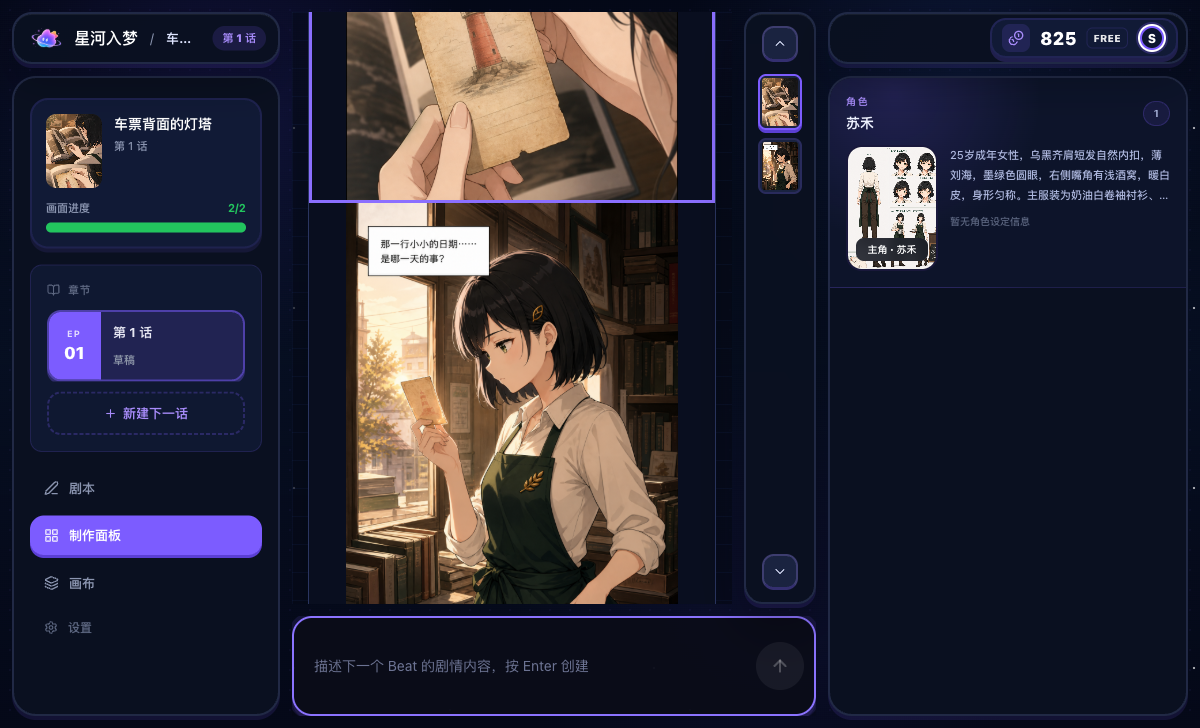
Use three sizes, not one magic number
| Version | Purpose | Decision rule |
|---|---|---|
| Working master | Archive, revision, and future reuse | Keep the highest useful native result available to your workflow. |
| Reading export | Review the complete vertical episode | Choose a width that keeps faces, line art, and dialogue legible on mobile. |
| Upload copy | Publishing to a specific service | Resize, convert, and split according to the current publisher dashboard. |
Separating these files prevents an upload requirement from becoming a permanent quality loss. Never overwrite the master merely to satisfy a smaller upload limit.
StarVeil AI’s current serial export sizes
For serial long-strip comics, StarVeil AI currently offers export widths of 1080px, 1440px, and 2160px. Availability depends on the selected workflow and plan. These values describe the product’s output widths; they are not a promise that every publisher accepts the same files unchanged.
- 1080px: a practical mobile review and lightweight delivery master.
- 1440px: more room for line detail and later downscaling.
- 2160px: the largest current serial width for workflows that include it.
Short-comic generation also uses plan-dependent 1K, 2K, or 4K modes. Those mode names should not be interpreted as a guaranteed 4096px-wide vertical strip. Check the actual exported dimensions instead of inferring them from the label.
See the current AI webtoon workflow and output examples.
Width is only half the export decision
A vertical episode can become very tall, but that does not mean every publisher accepts one unlimited-height file. Upload tools may constrain pixel height, file size, accepted format, or the number of images in an episode. Extremely tall images are also harder to preview and can load poorly on slower connections.
Keep one continuous master if it helps your editing workflow. For publishing, split a copy at intentional whitespace or scene transitions. Avoid cuts through speech balloons, faces, sound effects, or action that crosses panel boundaries.
Choose a format based on the destination
| Format | Useful for | Watch for |
|---|---|---|
| PNG | Archival masters, sharp line art, and text | Larger files |
| JPEG | Smaller upload copies when accepted | Halos and softness around lettering |
| WebP | Efficient web delivery when explicitly supported | Not every publishing form accepts it |
A reliable approach is to archive a PNG master, then create a separate JPEG or WebP copy only when the destination supports it. After compression, zoom back out to phone scale and read every line of dialogue.
A mobile-first quality check
- Open the final-width image on a phone or emulate the target mobile width.
- Read dialogue without pinch-zooming.
- Check faces, hands, lettering, and continuity at 100% scale.
- Confirm that scene breaks still feel intentional after file splitting.
- Inspect the publisher preview before submitting the episode.
Export checklist
- Keep a full-resolution master separate from upload copies.
- Record the actual pixel dimensions of the exported file.
- Check the destination’s current width, height, size, and format rules.
- Resize proportionally; do not stretch the artwork.
- Split at scene gaps and verify every seam.
- Check text on mobile and inspect the platform preview.
For the creation steps before export, read how to make a webtoon with AI.