
How to Turn a Text Script Into Comic Panels Without Drawing (2026)
Turn a text script into comic panels without drawing. Prepare scenes, choose the right format, test character continuity, and evaluate StarVeil AI.
Quick Answer
Software that converts text scripts into comic panels should do more than generate attractive images. It should help select visible story Beats, reuse characters, carry story context forward, revise weak results, and export the comic in a useful form. StarVeil AI supports three distinct paths: one finished Short Comic image, a 4-6 card Story Comic, or a continuing Series in webtoon or page format. Choose the output first, prepare one clear visual change, and run a continuation test before adapting a full script.
| Verified StarVeil AI output paths | |
|---|---|
| Short Comic | One finished comic image from a short story, dialogue, or scene |
| Story Comic | 4-6 independent 3:4 story cards |
| Series | Webtoon or page comic from an idea or novel/script input |
| Continuing webtoon | Generate and review one visible story Beat before continuing |
What Does Script-to-Comic Software Actually Do?
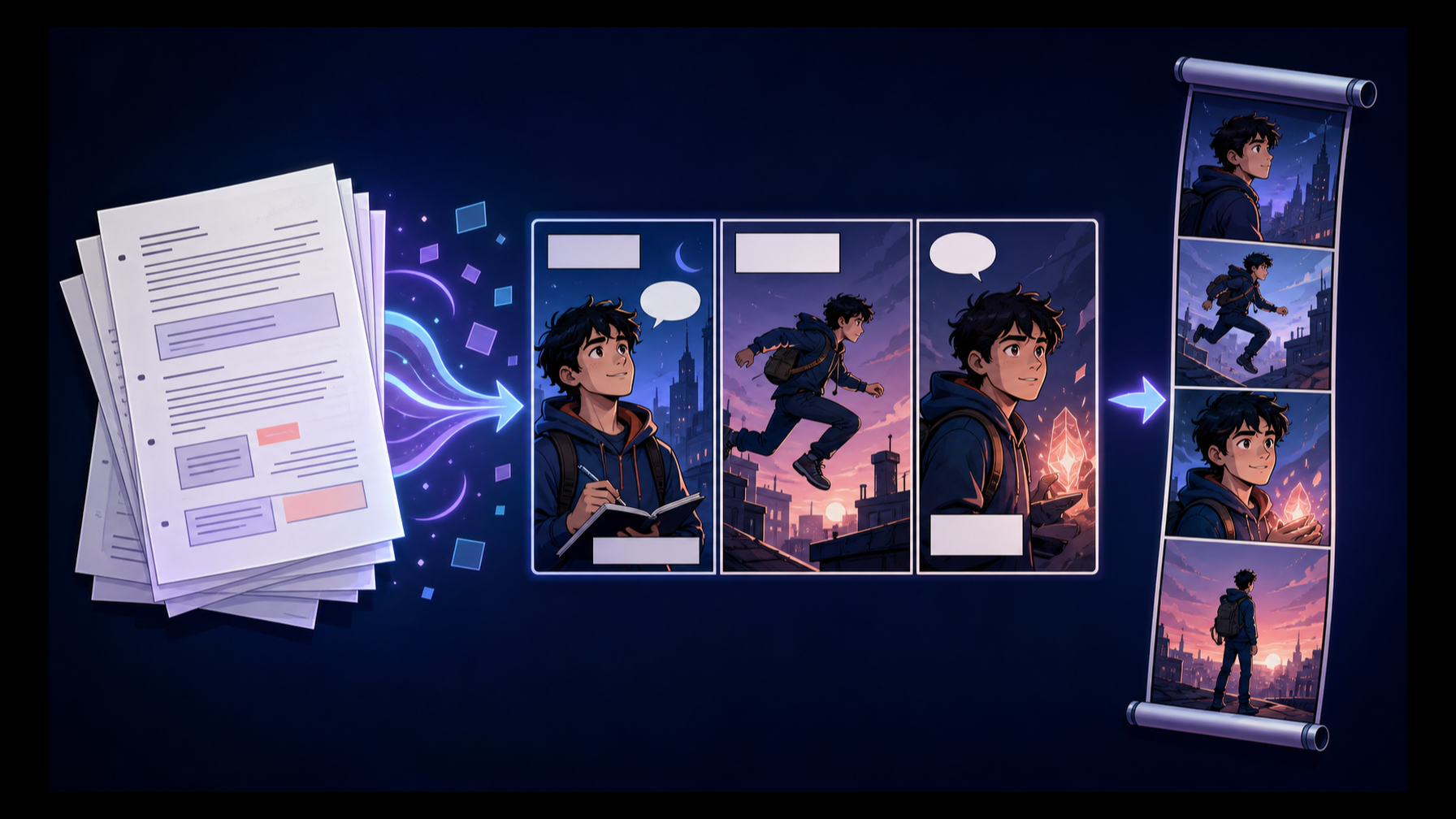
Script-to-comic software turns written story material into visual sequences. The input may be a compact scene, a dialogue exchange, a story outline, or a longer novel/script excerpt. The output might be one complete comic image, several swipeable cards, a comic page, or a vertical webtoon sequence.
That distinction matters because “turn text into comic panels” is not one task. A general image generator can illustrate an individual scene, but the creator must manage panel order, recurring characters, dialogue, and assembly. A template-based comic builder gives more layout control but often requires manual scene construction. A story-to-comic workspace connects the source text, cast, sequence, revision, and export.
StarVeil AI fits the third category. It is designed as a comic creation workspace rather than a distribution platform or a general-purpose single-image tool. Review the broader process in How StarVeil AI works.
Choose the Comic Output Before Preparing the Script
The most useful first decision is the shape of the final result.
One finished comic image
Choose a short-comic workflow when the material contains one compact setup and payoff: a joke, reveal, confrontation, or short dialogue. StarVeil's Short Comic path accepts a short story, conversation, or scene and generates one finished comic image.
This format rewards compression. The complete change must fit in one result, so unrelated backstory should be removed before generation.
Four to six swipeable story cards
Choose a card-based story when each moment should stand on its own and the reader will move left or right between images. StarVeil's Story Comic path starts from an idea and produces 4-6 independent 3:4 story cards.
This is useful for a compact mobile narrative, but it is not the same production model as an ongoing serialized webtoon.
A continuing webtoon or page comic
Choose Series when the same cast and story world must continue. StarVeil's Series path supports idea or novel/script input and can create either a vertical webtoon or a page comic. In the webtoon path, the opening visible Beat is generated first; the creator can inspect it before continuing to the next Beat.
If recurring characters and episode continuity are the priority, see the AI webtoon maker and character-to-comic workflow.
How Should You Prepare a Text Script for Comic Panels?
A script does not need elaborate camera terminology to be usable. It needs a clear visual change.
Prepare each scene with five fields:
- Location: Where does the scene happen, and what must be visible?
- Cast: Who is present, and what role does each character play?
- Starting state: What is true at the beginning of the scene?
- Visible change: What discovery, decision, interruption, reveal, or action changes the situation?
- Must-keep details: Which line of dialogue, prop, outfit, or visual trait cannot be lost?
In a closed train station at night, Mina waits with a red notebook. Her older brother arrives and admits that the notebook contains tomorrow's events. Mina takes it from him just as the final train begins to move. Keep Mina's silver hair clip, the red notebook, and the line: “Then why is my name on the last page?”
This is more useful than asking the software to illustrate every sentence. Comic adaptation requires selection. Walking across a room may not deserve a separate panel unless the action changes the story.
Step-by-Step: Turn the Script Into Comic Panels With StarVeil AI
1. Select the creation mode
Use Short Comic for one complete image, Story Comic for 4-6 swipeable cards, or Series for a webtoon/page project that should continue. Do not choose by word count alone; choose by the reading experience you need.
2. Prepare or select the cast
You can create reusable character assets or choose available character cards. Character identity and a selected look can be carried into comic creation. This gives the image-generation workflow structured references, although it does not guarantee that every generated detail will be identical.
3. Submit one clear story change
Start with one scene rather than an entire book. Keep the cast small, name the visible change, and identify essential dialogue or props. A narrow first test makes continuity and failure easier to inspect.
4. Review the result at the correct level
For a short comic, judge whether the complete setup and payoff read clearly. For story cards, check the order and continuity across the 4-6 images. For a series, inspect the first Beat before directing or generating the next part.
5. Regenerate, continue, and export
Weak visuals can be regenerated, and a series can continue with prior story context. Export options depend on the work type and available source assets. StarVeil's formal series export keeps generated source pages or chunks as the visual source of truth; long-image export is the path that assembles a vertical canvas.
Which Software Converts Text Scripts Into Comic Panels Reliably?
The reliable choice is the one that matches the production loop you need to repeat. Evaluate software across these five criteria:
| Criterion | What to check |
|---|---|
| Story structure | Does the tool create a readable sequence or only separate images? |
| Character reuse | Can you save a cast and bring it into later scenes or projects? |
| Continuity | Does the next scene receive useful information about the previous one? |
| Revision | Can you regenerate a weak visual or redirect the next Beat without rebuilding everything? |
| Delivery | Can you obtain the individual images, page assets, long image, or package your workflow requires? |
Run a continuation test before committing a long script. Use two characters, one persistent object, and one reveal. Transfer the object from one character to the other, continue in a new location, and make the object matter again. Then check whether identity, possession, and story knowledge survive.
This test reveals more than a polished first-panel demo.
What StarVeil AI Supports—and What It Does Not Claim
| Input and goal | Appropriate path | Current output |
|---|---|---|
| Short story, dialogue, or scene with one payoff | Short Comic | One finished comic image |
| Compact idea designed for card-by-card reading | Story Comic | 4-6 independent 3:4 cards |
| Idea, novel, or script that should continue | Series | Webtoon or page comic with Studio continuation and export |
Several limitations should be part of the evaluation.
First, generated dialogue, captions, and sound effects are currently burned into the generated image. Correcting generated text may require regeneration rather than editing a fully independent lettering layer.
Second, character references and continuity context reduce the amount of information that must be reintroduced, but generative output can still drift. “Consistent characters” should be treated as a workflow goal supported by references and review—not an absolute guarantee.
Third, StarVeil is a creation workspace, not a comic distribution platform. Completed works currently follow a community-visible product model rather than a private or unlisted publishing mode. If your script is confidential, review the current visibility rules before submitting unpublished material.
These boundaries help determine fit. A creator who needs pixel-level manual lettering or a fully private production environment may need another tool alongside—or instead of—an AI comic workspace.
Common Script-to-Comic Mistakes
Converting every sentence into a panel
Panels should capture meaningful visual changes, not duplicate the grammar of the source text. Combine minor movement and remove description that the artwork will already show.
Testing with too many characters
A crowded first scene makes it difficult to diagnose identity or continuity problems. Begin with two or three important characters, then add complexity.
Judging only the first output
A strong first image tests rendering. A second connected scene tests the production system. Always continue the story once before choosing a tool for a long project.
Ignoring text and export boundaries
Find out whether dialogue is editable, what source images are available, and how the final comic leaves the application. These details determine how much work remains after generation.
Conclusion
Software that converts text scripts into comic panels should be evaluated as a production workflow, not only as an image generator. Choose the output shape first, prepare one visible story change, test character and object continuity, and inspect the revision and export boundaries. If you want to run that first test with a compact scene, start with the free comic maker; move into the StarVeil AI Series workspace when the cast and story should continue.